
 Open in gAIa
 The EU TreeTag campaign started in 2019 as a Dutch initiative led by Pius Floris. It has since evolved into a European movement. In a short time, our team proactively built a tree-tagging platform supporting 13 languages. The platform took the manual work off participants’ hands, so they could focus on deciding which trees to tag, observing and interpreting tree data, and comparing the impact of different species or how ecosystem benefits change as trees get older.
Across Europe, 18 organisations took part. More than 1,300 trees from more than 300 municipalities in 11 EU countries were tagged. Every TreeTag tells the story of a specific tree: how much rainwater it intercepts, how much oxygen it produces, and how many car-kilometres’ worth of CO2 it captures, all of which contribute to healthier, more resilient communities.
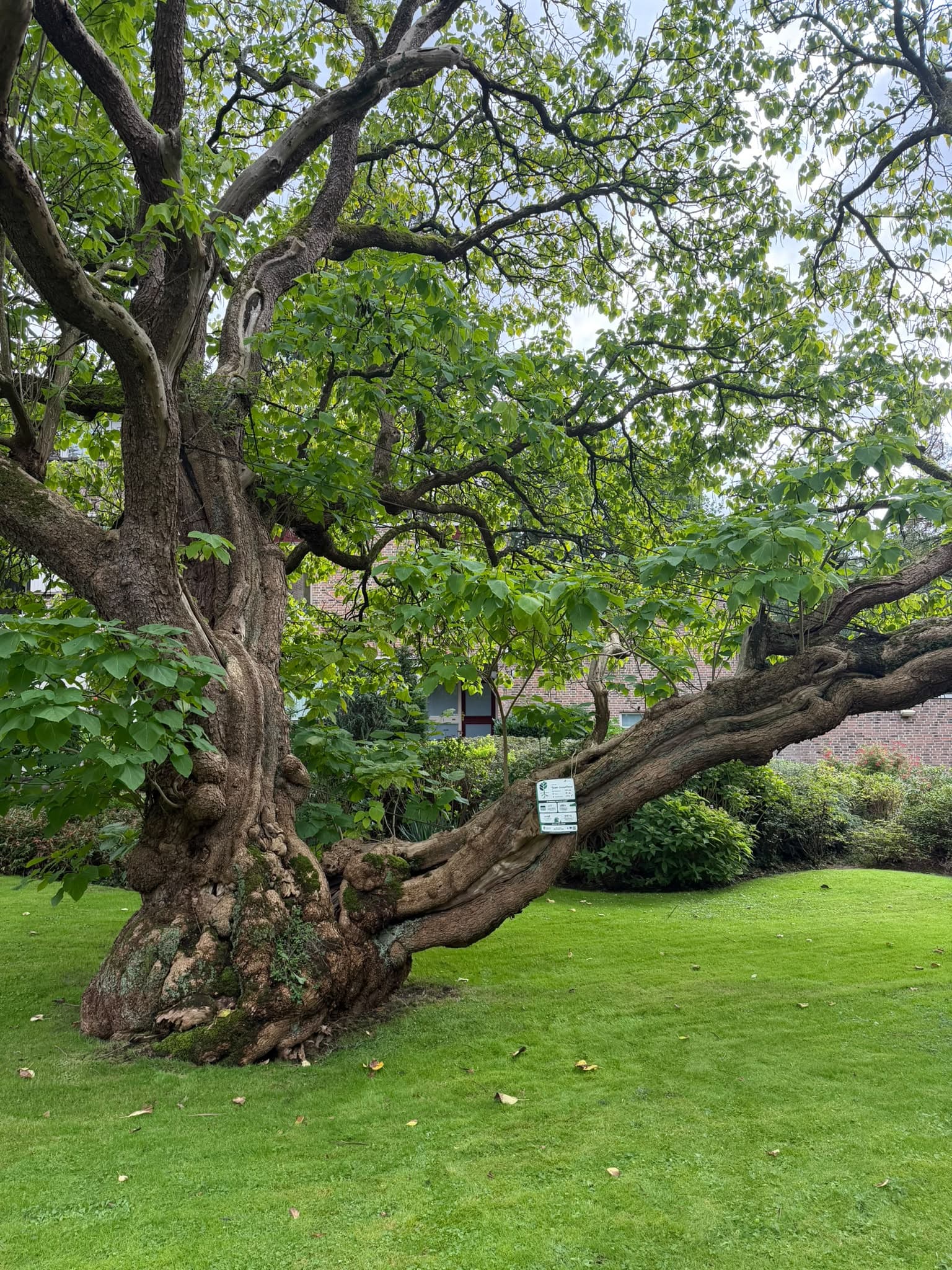
Every tagged tree lands directly on gAIa with its own live profile:
🌱 Explore how these trees may grow and change in the coming years.
✏️ Correct a tree’s current state and get updated environmental impact estimates right away.
📈 See year-by-year impact projections, from cooling and carbon storage to biodiversity support.
💬 Chat with your favourite 🌳 and ask about care, biodiversity, and more.
🔗 Share your stories, photos, and chats with others on any platform.
Interaction tips
Please note this is a simplified version of the gAIa app. You don’t need to login to interact with the trees in this panel.
- Explore the map: Zoom out to see the overall coverage, and zoom in on a city to locate the tagged trees.
- Chat with gAIa: Click the conversation icon on the left side of the panel to ask gAIa anything about trees and nature.
- Talk to a specific tree: To talk to a specific tree about itself, the biodiversity around it, or the ecosystem benefits it provides, first click its gAIa leaf icon.
 Explore more in gAIa: For more details, click the Open in gAIa link. There you can see more photos or add new ones, view the tree’s current and potential future contribution charts and discuss them with the tree, and read conversations other visitors have had with it. To interact you will need to create an account and login, which is free.
- Change the language: Once you are in the gAIa app, you can discover more, including setting your preferred language. Open the settings menu to change it.