
Step 2 of 4·2 min read
Getting Around the gAIa Map
New to gAIa? Start here. This 2-minute tour decodes every button on the map screen — the menu, search, mini-forest drawing tool, filters, and side toolbar — so you know exactly what each icon does.
gAIa is a living map of real city trees. You can explore trees around you, see how they grow, and even talk to them. When you first open the app, you land on the map — so let's decode the buttons you'll see there.
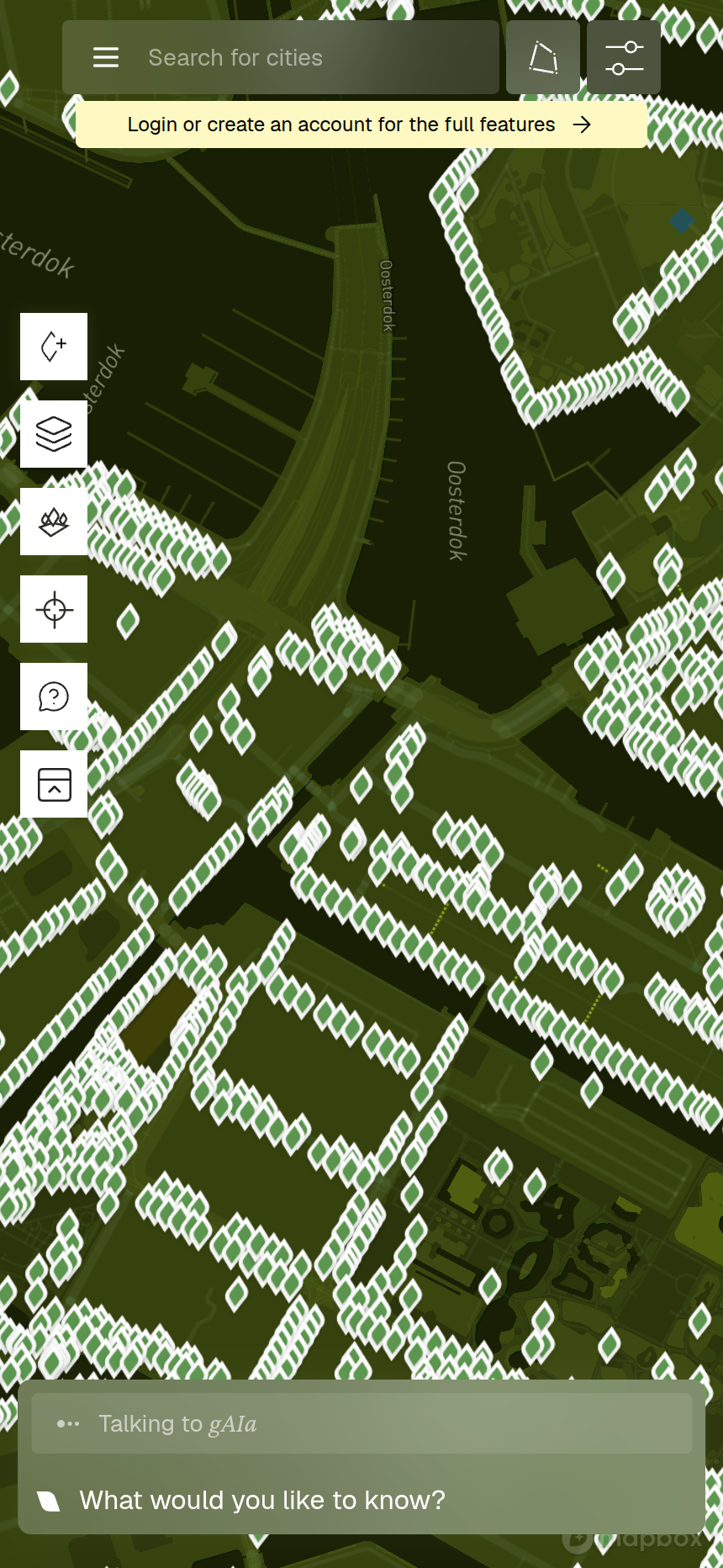
A few actions — adding a tree, opening filters, drawing a mini-forest, or viewing your lists — will ask you to sign in first. It's free, and it lets gAIa save your trees and conversations.
What's next
Now you can find your way around. In Part 2: Reading a Tree's Details Panel, we'll tap on a tree and read everything its details panel has to offer.